
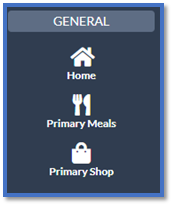
Select Primary Shop (you will find this in the left hand menu under the General section) -
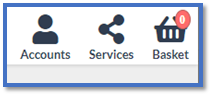
Select the child you wish to request a refund for from the Accounts icon at the top right -
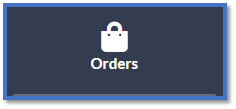
Select Orders (You will find this in the left menu under the Service section) -
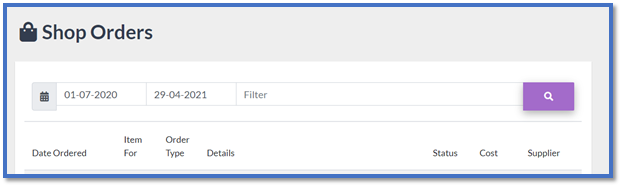
This will then bring up your previously paid for trips – You may need to change the date range as it will only show orders from the last 30 days, you can do this by selecting the date -
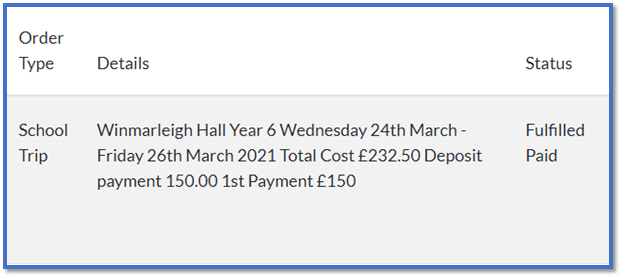
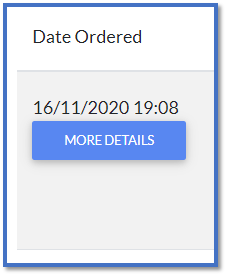
Select - MORE DETAILS on the trip you need a refund for -
Select Request Refund -
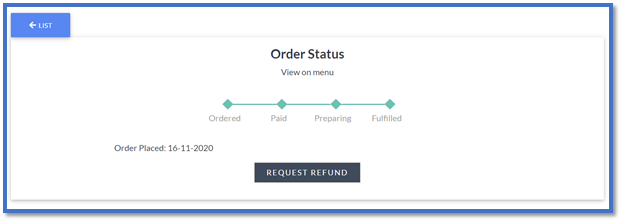
The refund request will then go through to the school to authorise, once they have done this the trip refund will go in to your basket to process the refund back on to the card that you paid with.
Comments
0 comments
Article is closed for comments.