
How to request a refund on My Evolve Hub
In order to request a refund for a meal you will need to log in to https://www.myevolvehub.com/
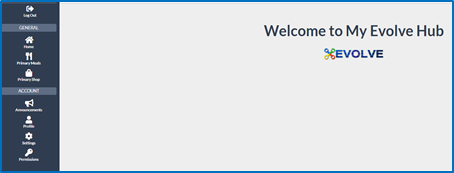
You will then need to select primary meals (making sure you have selected the correct child from the drop down) from the left-hand menu, then orders.
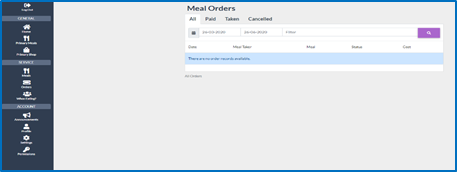
From here you will need to search for the date that you require a refund for and press the magnifying glass, this will bring up the meal for that date, select 
This will bring up the below screen, you just need to select the Request Refund option.
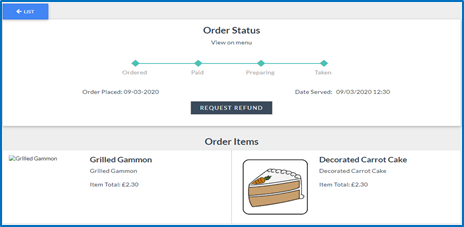
If the date that the meal is due to be served has not passed then the option to cancel the meal will show instead of the 'request refund' - this will then cancel the meal and the refunds will be in your basket waiting for you to process.
Comments
0 comments
Article is closed for comments.