
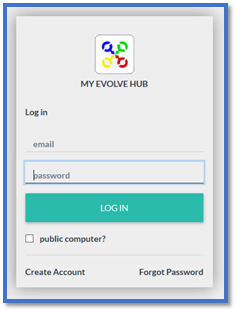
Login to My Evolve Hub –
Using Your (Parent/Carer) email and password –
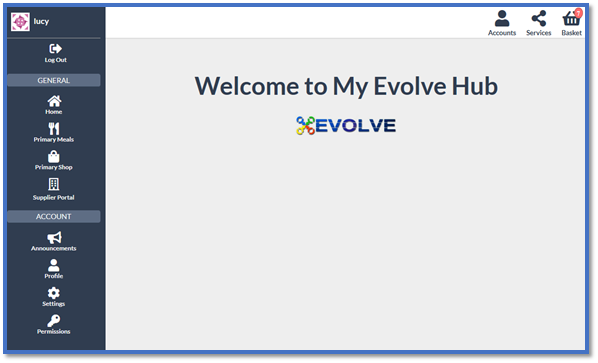
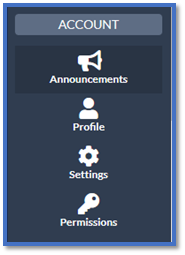
Select Permissions (left hand column) –
Select Enter on Auth Code –

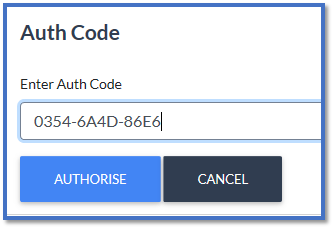
Enter the Auth Code and Select Authorise – * You should have received an online authorisation code from the school for each of your children, this code will be unique to your child, it will be as you see in the image below 12 numbers/letters long * If you have not received the online authorisation code then please either contact the school who will get one for you or email us with your child's name, date of birth and which school they attend and we will get this for you, our email address is help@evolve4.net
You will then see this notification – This can sometimes take a few moments, please wait until you see the below notification before exiting from this page.

Once this has been done, you will see at the top right an Accounts icon has appeared -
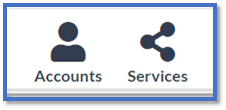
This is where you will now see that your child/children have been authorised and you can now make orders for them by selecting the Accounts icon and selecting their name.
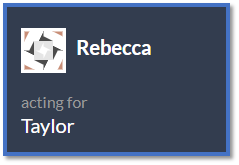
You will also see that in the top left it will be your name acting for child's name -
If you need any further help please contact us on the helpdesk via help@evolve4.net
Comments
0 comments
Article is closed for comments.