
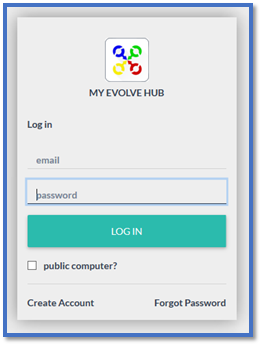
Login To My Evolve Hub –
Using Your (Parent/Carer) email and password –
As you will see in the below image, top left corner – This is you the account holder.
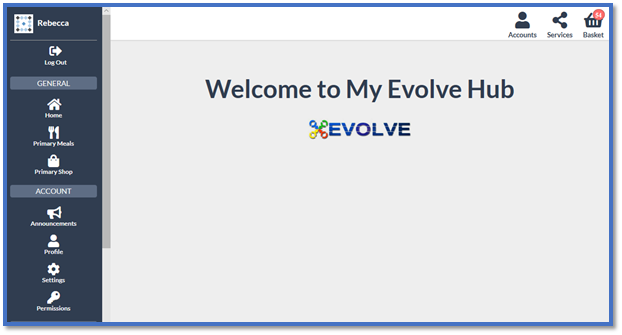
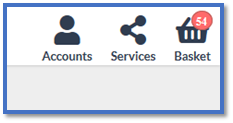
To be able to order and pay for items for your child you need to select the Accounts icon (top right)
You will then see a list with your name (the account holder) and your child/children’s names – Select the name of the child that you wish to make any orders for.
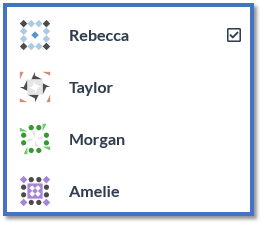
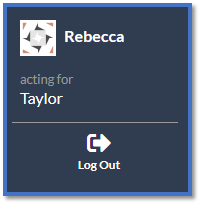
It will then show you in the top left who you are ordering for (your name - acting for - child's name) –
You need to follow this process for each of your children when ordering.
Comments
0 comments
Article is closed for comments.